How to Troubleshoot the Qantas Multi-City Booking Tool
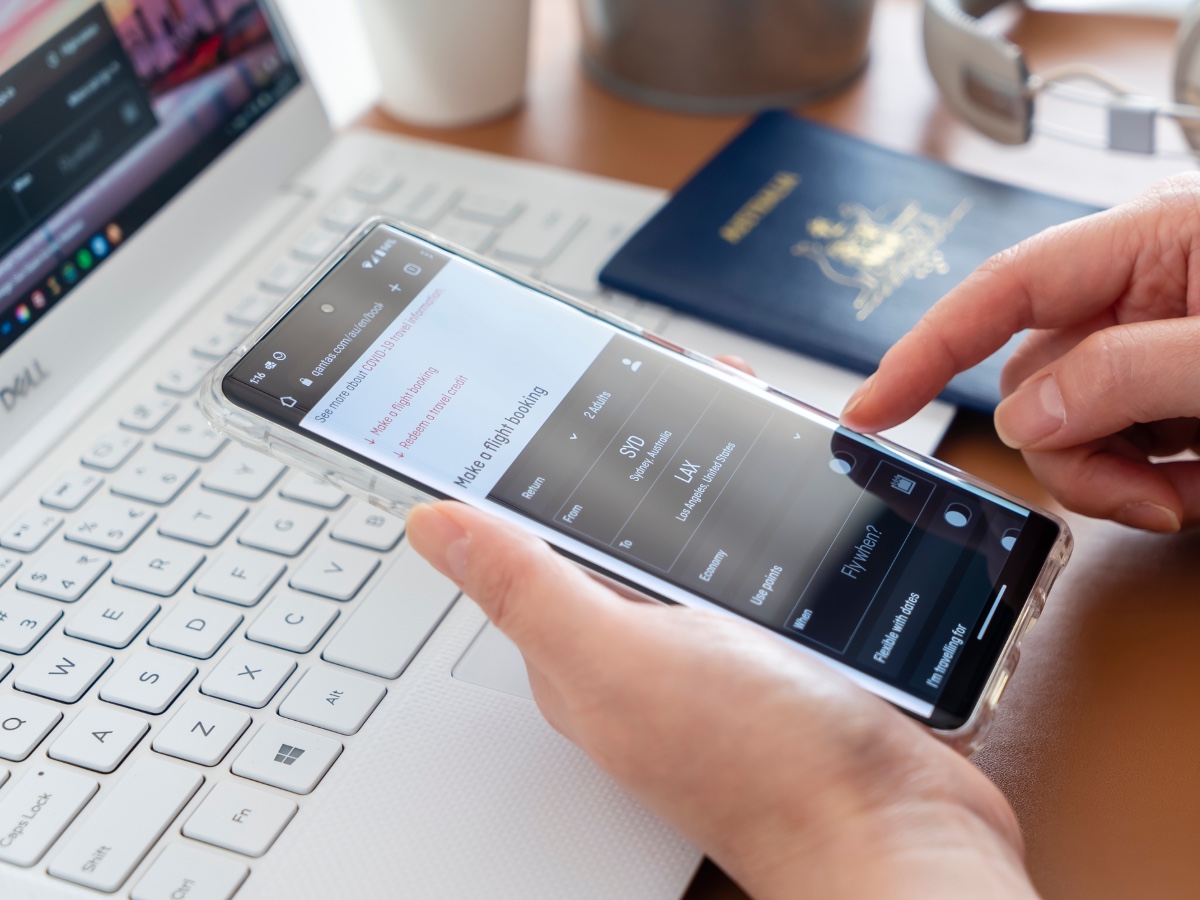
If you want to redeem your Qantas Points online for something other than a simple one-way or return ticket, you’ll probably need to use the multi-city booking tool.
Qantas’ multi-city flight booking engine is popular because it lets you add stopovers and book open-jaw tickets (where you fly into and out of different airports).
When redeeming points for international flights, searching with the multi-city tool can also open up more options. For example, if you searched for one-way Classic Reward flights from Melbourne to London, the Qantas website might suggest options via Singapore, Dubai or Hong Kong. But it won’t automatically offer a routing through Bangkok or Delhi, even though flights might be available via those cities. To get around this, you can break up the search into separate sectors using the multi-city tool.
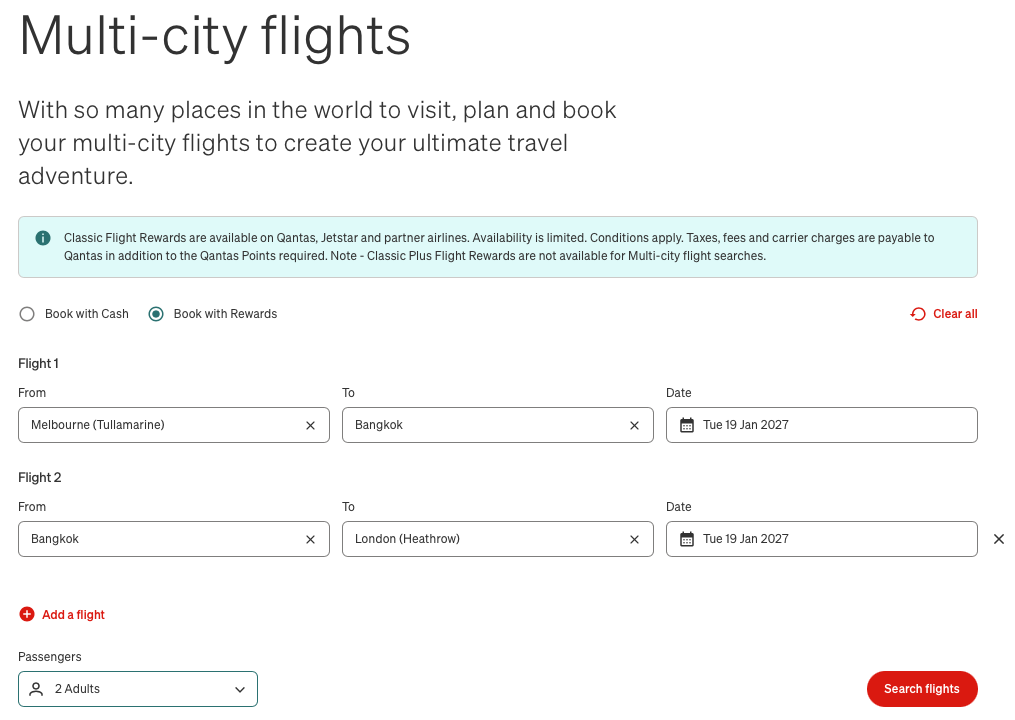
The problem with Qantas’ multi-city booking portal, unfortunately, is that it has a lot of bugs. Australian Frequent Flyer understands that a new booking engine is in the pipeline, but that won’t be around for a while yet. In the meantime, there are a few workarounds that might help you to successfully use the current tool.
What to do if you get an error message
It’s not uncommon, when trying to book a flight on the Qantas website using the multi-city tool, to get a generic error message. If this happens, our article on Qantas website error codes has more information about what the issue might be, and what to do to make the error go away.
If you’re trying to book a Oneworld Classic Flight Reward, you should also keep in mind that certain criteria must be met for your itinerary to be bookable online. Our guide to booking Oneworld Classic Flight Rewards has a list of things that will cause the multi-city tool to break. You may need to amend your itinerary.
What to do if you can’t continue after selecting a flight
Another common issue with the Qantas multi-city tool is the page “hanging” after selecting a flight. You click on the flight you want, but the website fails to calculate the price and the “Continue” button doesn’t work.
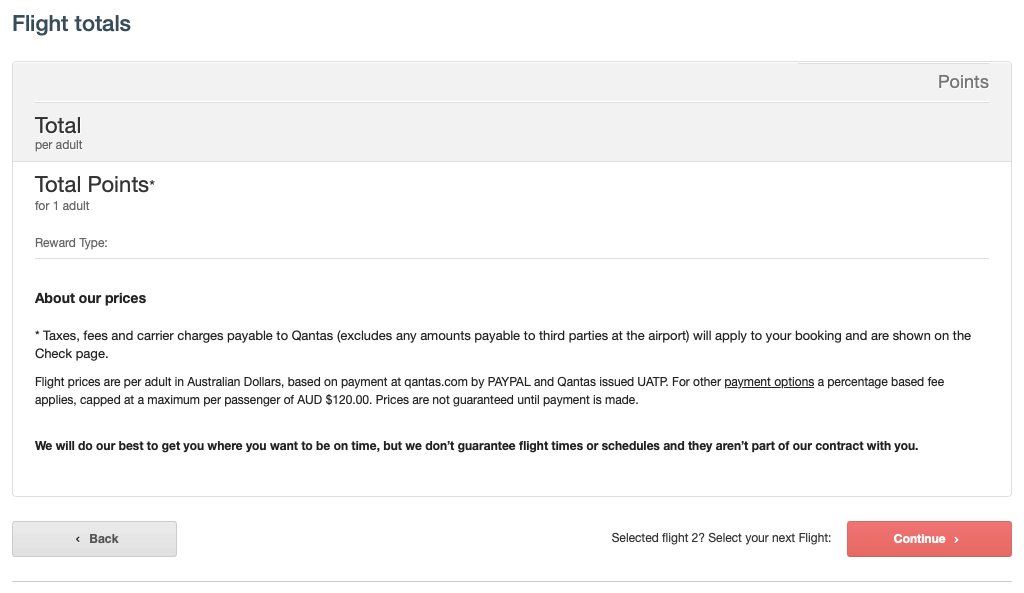
If this happens, there are three things you can try:
- Use a different web browser (e.g. Google Chrome might work better than Safari)
- Browse using incognito/private mode
- Clear your cache & cookies, then try again
Phantom reward availability showing in the calendar
If you tick the “Flexible with dates for all flights” box when searching for Classic Reward seats in the multi-city tool, you’ll see a calendar of availability. This shows an overview of dates that have reward seats available in each of the different cabin classes.

Sometimes, even when you select a date with “available” flights, no options actually appear on the next page. Possible reasons for this could include:
- The calendar may be displaying cached results, and someone might have booked the last seat since the availability was updated
- There could be an issue relating to married segments
- There is availability, but it’s a complex multi-stop routing that the Qantas website fails to show unless you break the search up into smaller parts
If it’s the latter issue, and you’re searching for reward availability on Oneworld airlines, you could try doing the same reward flight search on the Japan Airlines website. That’s because the Japan Airlines website often finds connecting itineraries that the Qantas website simply doesn’t consider.
For example, the calendar in Qantas’ multi-city tool might show an available seat when you search for flights from Kuala Lumpur to Athens – but then nothing when you proceed to the next page. If you do the same search on the Japan Airlines website, you might find (for example) that there’s availability via Bangkok and Amman. In this case, you might have more success booking on the Qantas website if you break up the search into Kuala Lumpur-Amman and Amman-Athens as separate sectors.
Need help troubleshooting a Qantas IT issue?
The Australian Frequent Flyer forum has a long-running thread for discussion about Qantas website problems. You can join the discussion and get solutions by clicking on the link below:
Related Articles
-
 2 October, 2025Airports & Lounges, Qantas
 -
 27 February, 2026Airports & Lounges, Qantas
 -
 19 June, 2025Points Inspiration, Qantas
Community Comments
Loading new replies...
Join the full discussion at the Australian Frequent Flyer →