Why I Have a Flight Tracker in My Home
Many of us check Flightradar24 to see what’s flying overhead, track a flight we’re waiting for, or simply watch the sky’s traffic patterns for a few minutes. There is even a Flightradar24 appreciation thread on Australian Frequent Flyer.
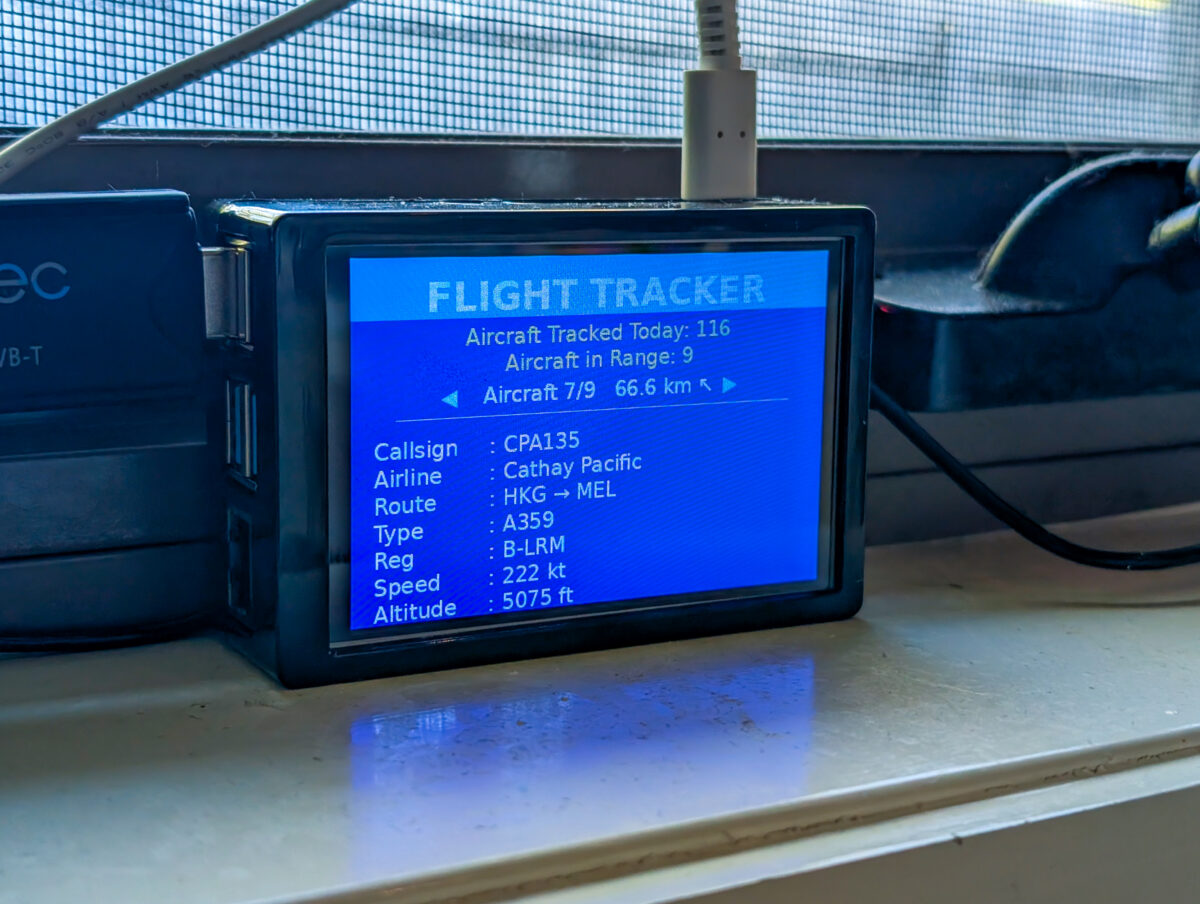
However, did you know that the live map data on Flightradar24 isn’t just built by airports and official aviation data sources? Thousands of home-based flight trackers provide the data to power it. One of those receivers sits in my home connected to a tiny antenna. At any given moment, it is quietly listening to aircraft flying thousands of metres overhead.
I don’t work in aviation, nor do I control any flights. And yet, in a small way, my home participates in the global air-traffic tracking network.
So why do I have a flight tracker running at home?
What is inside my flight tracker?
At its core, my home flight tracker is simply a radio receiver. It listens to signals that aircraft already broadcast. Most commercial aircraft continuously transmit short messages that contain their position, altitude, speed and identification. They send this information using a system called ADS-B (Automatic Dependent Surveillance-Broadcast).
These signals are intended for air-traffic control systems and nearby aircraft. They are not encrypted or private. This means anyone with the right receiver can pick them up.
A home tracker consists of three basic parts.
- A small antenna captures the signals broadcast by nearby aircraft. The range of the antenna is typically around 100-400km, depending upon location and elevation.
- A low-cost receiver (often a USB device) collects the transmissions.
- A small computer, such as a Raspberry Pi, decodes the data and shares it with services such as Flightradar24.
- Optionally, I added a small screen to visualise the data locally.
Free kits and other platforms
Flightradar24 sometimes offers free receiver kits to volunteers in regions where additional coverage is needed. In my case, my Melbourne location did not qualify, so I built my own setup. If you need more information on how to build your own setup, you can refer to this handy guide on the Flightradar24 website.
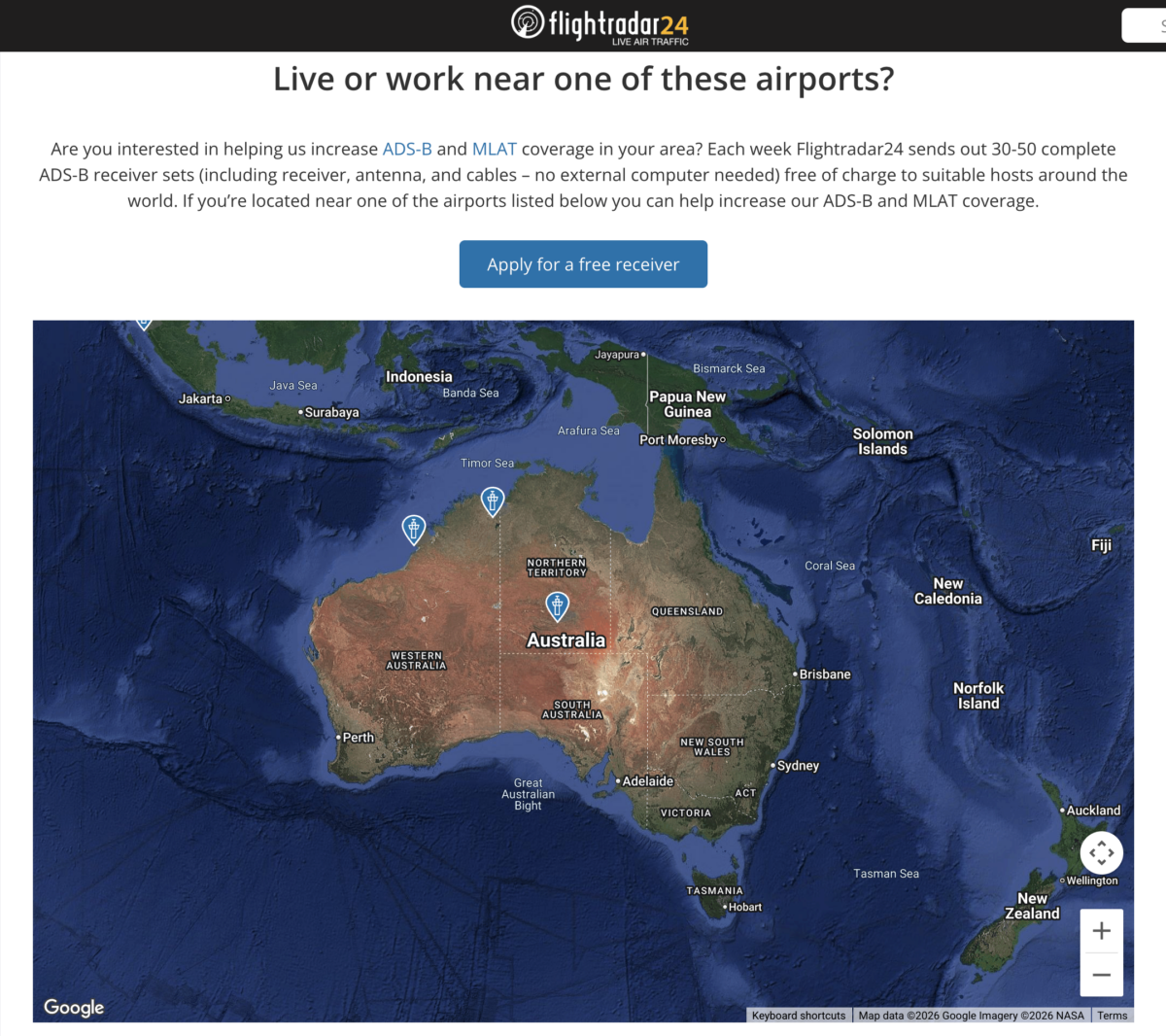
Screenshot from the Flightradar24 website.
It’s also worth noting that Flightradar24 isn’t the only service powered by volunteer receivers. Platforms such as ADS-B Exchange and FlightAware also rely heavily on home contributors. A single receiver can even feed data to multiple platforms simultaneously.
Why did I decide to set one up?
Initially, it was pure curiosity.
I had used Flightradar24 for years, but I had never thought about where the data on the map actually came from. When I learned that I could become part of the contributor network, the idea felt very appealing.
Setting up a receiver allowed me to not just be a passive user but also an active contributor. My setup might only cover a small patch of airspace, but collectively, thousands of contributors create global coverage.
Complimentary premium memberships
Of course, some practical benefits come with running a home flight tracker.
Contributors who share their receiver data with Flightradar24 receive a complimentary contributor membership. The equivalent paid membership (Business plan) can cost hundreds of dollars each year. (Note: While I have focused on Flightradar24 here, FlightAware offers similar incentives for its feeder.)
A contributor membership unlocks many additional features:
- Ad-free Flightradar24 experience across four devices with no screen timeouts.
- Up to three years of extended historical flight data on Flightradar24.
- Advanced filtering tools (up to 60 different filters, including aircraft type, call sign, airport, altitude, etc.)
- Access to additional aircraft data, including Squawk code, vertical speed, true airspeed, etc.
Flight alerts
The most useful feature for me is the ability to set up specific flight alerts.
- The contributor membership allows me to set up special alerts for emergency transponder codes such as Squawk 7700. The Flightradar24 app then alerts me when an aircraft nearby transmits the code.
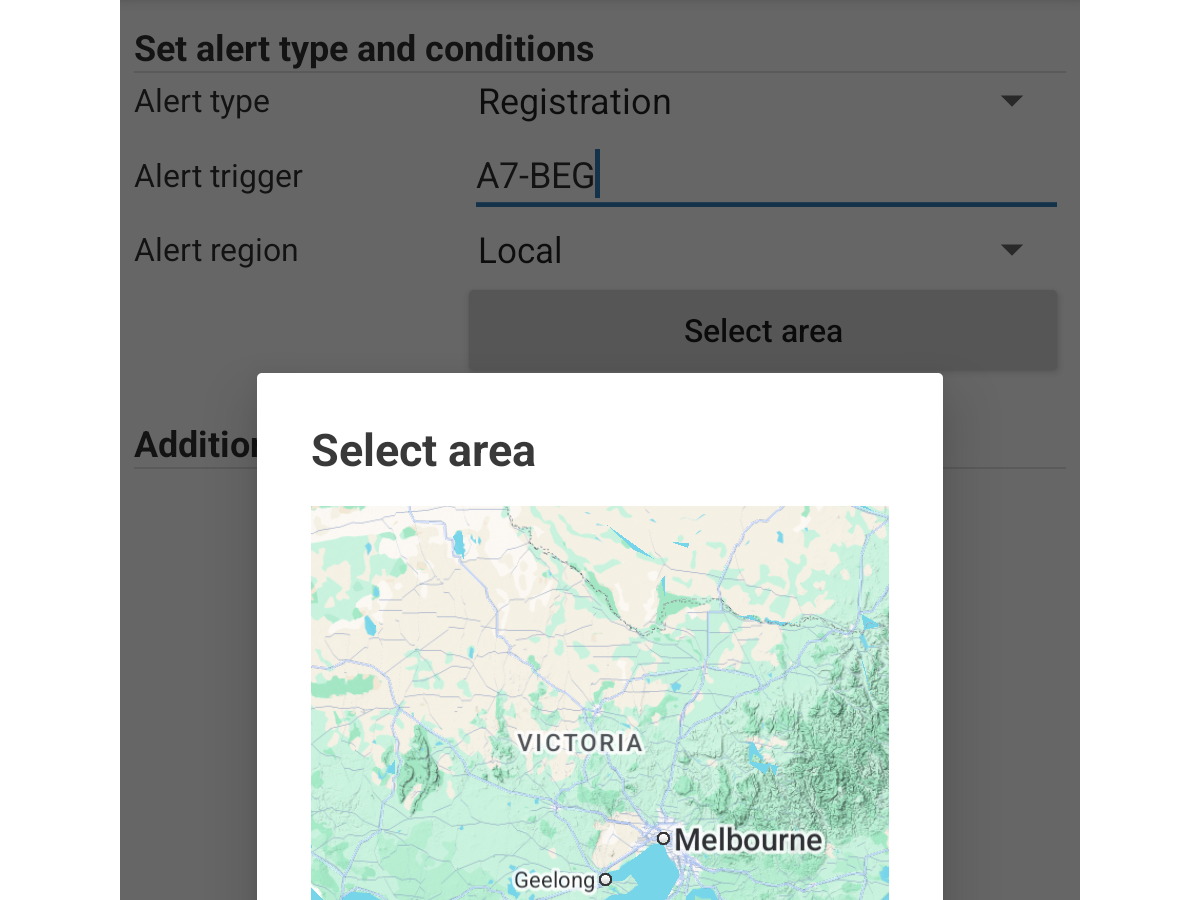
- Alerts are also useful for tracking specific aircraft movements. For example, Jetstar Airways is currently refurbishing its Boeing 787 fleet. The first aircraft entered refurbishment in Hong Kong earlier this year. By creating a custom alert for that aircraft’s registration, I can receive a notification from Flightradar24 when it flies again.
- This feature is also useful for planespotters who want to know when a particular aircraft is inbound to their usual vantage point. For example, I have set up alerts for Cathay Pacific’s 80th anniversary livery aircraft (B-LRJ) and Qatar Airways’ Formula 1 livery aircraft (A7-BEG). I will receive a notification when these aircraft are in proximity to Melbourne.
If you’re already a regular Flightradar24 user, have you ever considered running your own receiver? Do you already have one at home, or is it something you’ve thought about setting up? If you do have one running, I’d love to hear how you’re using it, particularly any use cases beyond what I’ve covered here.



No replies yet
Loading new replies...
Join the full discussion at the Australian Frequent Flyer →