




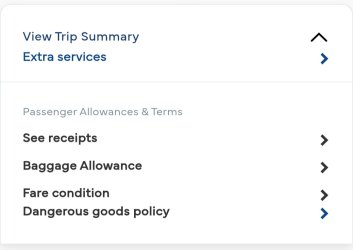
I discovered a cool feature in the Malaysia Airlines app (on Android at least) under Manage Your Booking. If you search for a booking and scroll down to the bottom, there is a See Receipts link. When you click on it, you see the leg(s) of your booking with the 13 digit ticket number.
I changed a OWA yesterday and hadn't received an email confirming reticketing. When I clicked on See Receipts, the new leg showed an error message while the existing legs had the old ticket number. I sorted out the ticketing issue this morning and received the email. On returning to MMB, the new ticket number is now showing up against all the legs in my booking.
I changed a OWA yesterday and hadn't received an email confirming reticketing. When I clicked on See Receipts, the new leg showed an error message while the existing legs had the old ticket number. I sorted out the ticketing issue this morning and received the email. On returning to MMB, the new ticket number is now showing up against all the legs in my booking.
Last edited: