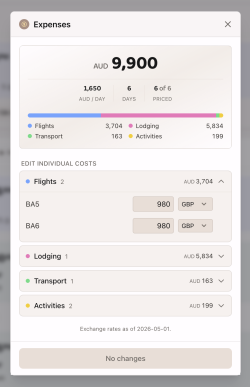
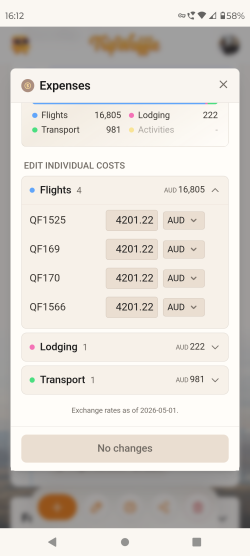
Trip expenses v1 just dropped.
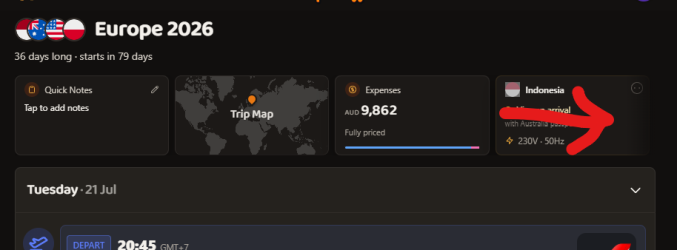
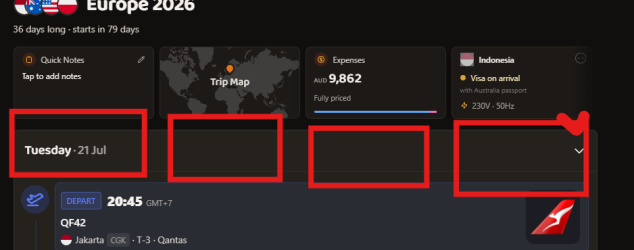
Widget above the trip timeline will result in...
Quick fix: multi-leg bookings will only apply the total pricing to the first leg now.
That's fantastic, looking really good. My savings account is crying in the corner now though.

Just on the multi-leg bookings, it's displaying the correct total price, but having a leg with a zero value is causing a "1 TO ADD" highlight to appear incorrectly given that the complete cost is already included.
Thinking to display details for the next event in your itinerary?
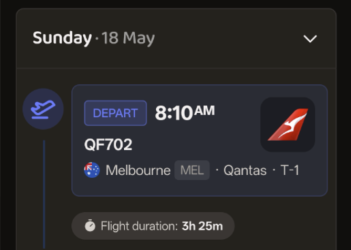
Yes, for the widget displaying the info for the next event, perhaps with an option countdown would be great. To give some examples:

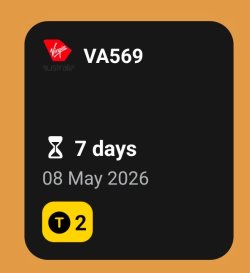
This the small widget from byAir on Android, which is an app that just handles flights. The gate also gets added to the widget, next to the terminal number at the bottom, once that info becomes available. I quite like this widget as it just displays key info at a glance. I do wish it had the option to display hours as well as days in the countdown and the actual departure time as well. byAir also has a larger widget with more info displayed. Tapping the widget takes you straight to that flight's details.

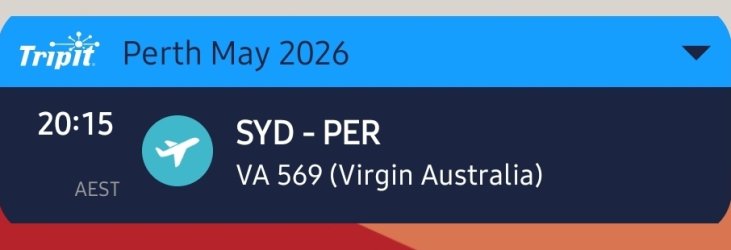
This is the small TripIt on Android widget, which is actually better than I remember it being. The little drop down arrow in the upper right corner lets you move to the next event and then an up arrow appears as well. The obvious missing detail is the date or any other indication of how long until the event or the trip. TripIt also has a larger widget that displays several events in an agenda style. I think that widget is a pointless, you could just use a calendar agenda widget set to display just the TripIt calendar instead and it would achieve the same. The larger widget does display the date in a thin bar above each event. Tapping the event takes you straight to the event details in TripIt.
Just a few things to think over, I'm sure others will have examples and ideas of widgets as well.