





You are using an out of date browser. It may not display this or other websites correctly.
You should upgrade or use an alternative browser.
You should upgrade or use an alternative browser.
Qantas app, DOH airport
- Thread starter Himeno
- Start date

SYD
Enthusiast
- Joined
- Oct 5, 2009
- Posts
- 16,284
- Qantas
- Platinum
- Virgin
- Red
- Oneworld
- Emerald
- Star Alliance
- Gold
QR itineraries without a QF sector won’t show in the QF app anymore. I’ve not had one show for about 2yrs now.Haven't had any problems with QR flights showing up in the QF app. Have 3 tickets, inc a DONE4, in a single PNR. QF, JL, AC, BA and QR flights. They all show up as normal in the QF app.
That is exactly where I sitQR itineraries without a QF sector won’t show in the QF app anymore. I’ve not had one show for about 2yrs now.
- Joined
- Jan 24, 2018
- Posts
- 10,594
- Qantas
- Gold
- Virgin
- Platinum
Correct, that was my experience a couple of years ago and sounds like it’s not fixedQR itineraries without a QF sector won’t show in the QF app anymore. I’ve not had one show for about 2yrs now.
- Joined
- May 21, 2012
- Posts
- 3,033
- Qantas
- Platinum
- Oneworld
- Emerald
QR itineraries without a QF sector won’t show in the QF app anymore. I’ve not had one show for about 2yrs now.
That is exactly where I sit
Correct, that was my experience a couple of years ago and sounds like it’s not fixed
It won't be fixed. It was a deliberate change to the security levels between QR and QF.
If you happen to use a TA who knows how to push PNRs to the QF app, then they can push it to your QF app.

Elevate your business spending to first-class rewards! Sign up today with code AFF10 and process over $10,000 in business expenses within your first 30 days to unlock 10,000 Bonus PayRewards Points.
Join 30,000+ savvy business owners who:
✅ Pay suppliers who don’t accept Amex
✅ Max out credit card rewards—even on government payments
✅ Earn & transfer PayRewards Points to 10+ airline & hotel partners
Start earning today!
- Pay suppliers who don’t take Amex
- Max out credit card rewards—even on government payments
- Earn & Transfer PayRewards Points to 8+ top airline & hotel partners
Join 30,000+ savvy business owners who:
✅ Pay suppliers who don’t accept Amex
✅ Max out credit card rewards—even on government payments
✅ Earn & transfer PayRewards Points to 10+ airline & hotel partners
Start earning today!
- Pay suppliers who don’t take Amex
- Max out credit card rewards—even on government payments
- Earn & Transfer PayRewards Points to 8+ top airline & hotel partners
AFF Supporters can remove this and all advertisements
SYD
Enthusiast
- Joined
- Oct 5, 2009
- Posts
- 16,284
- Qantas
- Platinum
- Virgin
- Red
- Oneworld
- Emerald
- Star Alliance
- Gold
and pretty much everyone else.It won't be fixed. It was a deliberate change to the security levels between QR and QF.
None of the old hacks work (eg rj.com) since QR introduced 2FA to access QR MMB about 2 yrs ago - unless there’s a sector on the airline whose website you’re trying to access the PNR.
Most other OW airlines seem to have locked down their MMB.
The rivalry between Qatar and Qantas has now spread to censorship?On my 2nd transit through DOH this trip. Both times, upon opening the QF app, it instantly logs off and prevents access to the log in page. Can't access QF online in DOH without using a VPN.


Himeno
Senior Member
- Joined
- Jun 15, 2011
- Posts
- 5,792
Yet no problem using the QF app on the QR in flight wifi.The rivalry between Qatar and Qantas has now spread to censorship?

- Joined
- May 21, 2012
- Posts
- 3,033
- Qantas
- Platinum
- Oneworld
- Emerald
Most other OW airlines seem to have locked down their MMB.
Correct. If you want to be bending rules or doing anything unusual or uncommon you pretty much need a clued up TA to execute it for you now unless you want to spend a lot of time banging your head on walls with useless contact centre staff.
Notyourbag
Active Member
- Joined
- Dec 10, 2015
- Posts
- 689
- Qantas
- Platinum
- Virgin
- Gold
- Oneworld
- Emerald
Interestingly this happened to me too yesterday whilst in Doha
alex.siukh
Junior Member
- Joined
- Jun 20, 2022
- Posts
- 14
Use roaming
SYD
Enthusiast
- Joined
- Oct 5, 2009
- Posts
- 16,284
- Qantas
- Platinum
- Virgin
- Red
- Oneworld
- Emerald
- Star Alliance
- Gold
Depends on your home plan. Some regular OS FF’s have moved away from the traditional telcos - there’s cheaper options for regular travellers that don’t necessarily include roaming data at $5 to $10 per day. Usually a fraction of that.Use roaming
But welcome on your first post!
offshore171
Established Member
- Joined
- Oct 8, 2014
- Posts
- 2,004
On my 2nd transit through DOH this trip. Both times, upon opening the QF app, it instantly logs off and prevents access to the log in page. Can't access QF online in DOH without using a VPN.
What form of internet connection were you using?
- Travel sim/esim
- Airport WIFI
- Roaming with your regular sim
- Something else?
Last time I went through DOH I had an esim that allegedly worked throughout middle east, europe and asia. Worked in EU, Thailand and Singapore but couldn't access anything in DOH unless I used airport limited free wifi. Zero access via travel esim.
SYD
Enthusiast
- Joined
- Oct 5, 2009
- Posts
- 16,284
- Qantas
- Platinum
- Virgin
- Red
- Oneworld
- Emerald
- Star Alliance
- Gold
DOH wifi has been terrible for years (other ME ports not much better).Last time I went through DOH I had an esim that allegedly worked throughout middle east, europe and asia. Worked in EU, Thailand and Singapore but couldn't access anything in DOH unless I used airport limited free wifi. Zero access via travel esim.
They’re also getting funny with eSIMs needing to be “registered” - as some here have discovered. Last time I passed through DOH a few months ago, I think I resorted to my Eskimo eSIM. I’ll have a couple of backups when I pass thru again middle of the year.
- Joined
- Jan 24, 2018
- Posts
- 10,594
- Qantas
- Gold
- Virgin
- Platinum
I use my Telstra global roaming everywhere I go and has always worked well in QatarDOH wifi has been terrible for years (other ME ports not much better).
They’re also getting funny with eSIMs needing to be “registered” - as some here have discovered. Last time I passed through DOH a few months ago, I think I resorted to my Eskimo eSIM. I’ll have a couple of backups when I pass thru again middle of the year.
SYD
Enthusiast
- Joined
- Oct 5, 2009
- Posts
- 16,284
- Qantas
- Platinum
- Virgin
- Red
- Oneworld
- Emerald
- Star Alliance
- Gold
It would want to at $10 pd (or whatever Telstra is gouging these days on top of their overpriced plans).I use my Telstra global roaming everywhere I go and has always worked well in Qatar
I gave up on Optus because trying to use $5 roaming on demand (ie only on days as required / for emergencies etc) was unreliable - you’d get charged random days, sometimes twice…
Vodafone apparently is still good for on demand use but I switched to amaysim with $20 per year roaming (calls/text) plus an eSIM (or two) for data - are the regular OS travellers friends.
offshore171
Established Member
- Joined
- Oct 8, 2014
- Posts
- 2,004
It would want to at $10 pd (or whatever Telstra is gouging these days on top of their overpriced plans).
It's reliable, but yes it's expensive and tends to add up, especially on longer trips.
Our household has switched to Roamless esim, which I'd highly recommend.
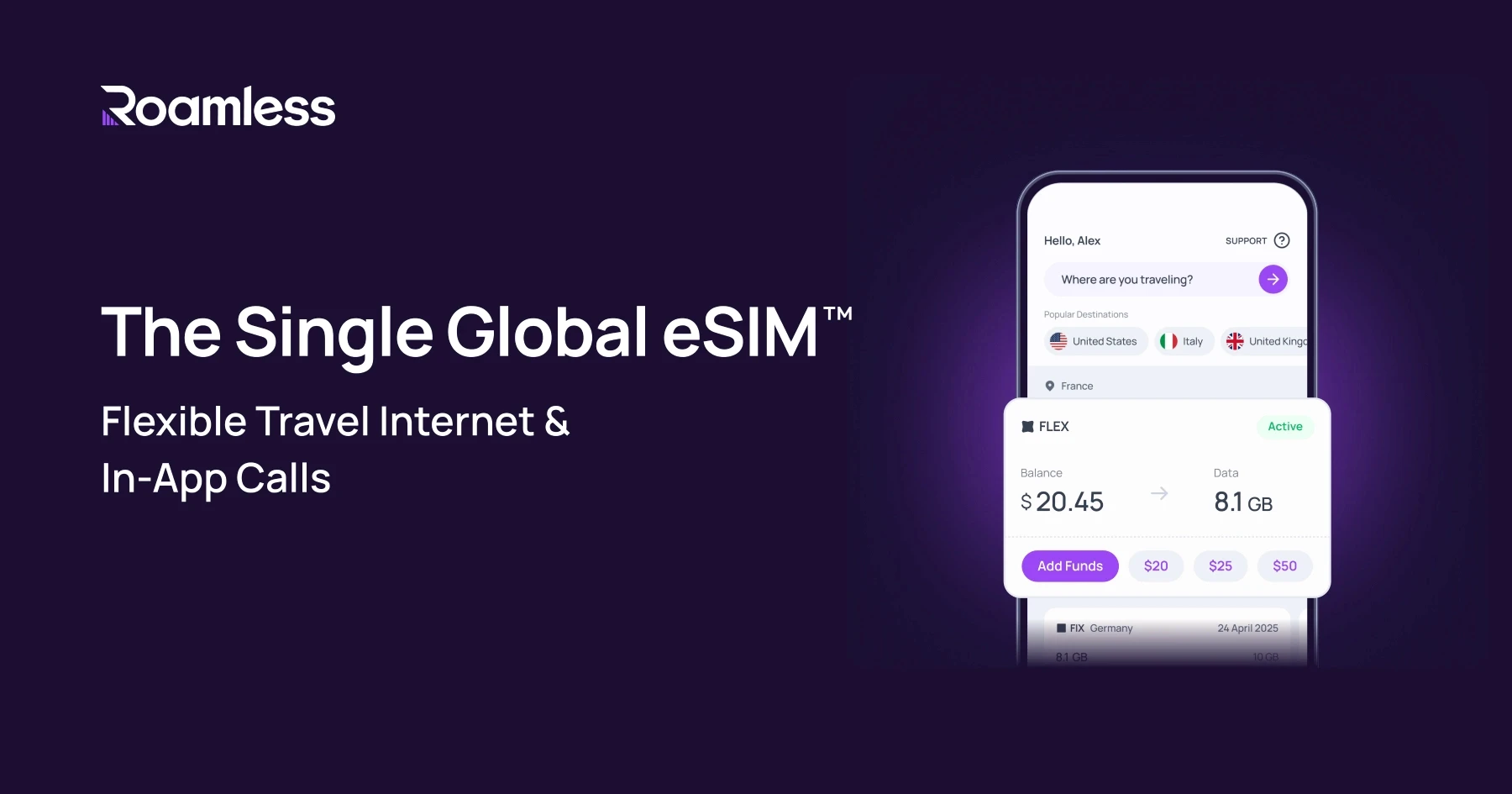
Global eSIM, eSIM App | Roamless
Buy a global eSIM in 200+ destinations from Roamless eSIM App. Choose prepaid eSIM plans or pay as you go data with a travel eSIM.
 roamless.com
It's an esim that you activate as your secondary sim (assuming your phone supports dual) and then you just leave it enabled and it works everywhere, as soon as you leave Australia.
You add some starter credit (eg: $20 USD) and then this balance is used for every country you visit. You no longer have to deal with different sims for countries or regions.
This is much better than the old system of getting a separate eSim for "North America", or "Japan and Korea, "Europe" etc.
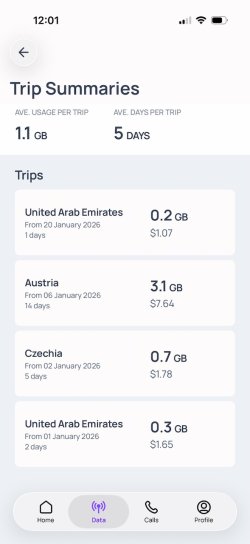
Last trip - 21 days, multiple countries in Europe and Middle East,
Cost about $12 USD for 3 weeks vs $210 AUD with Telstra
It is the way to go.



Become an AFF member!
Join Australian Frequent Flyer (AFF) for free and unlock insider tips, exclusive deals, and global meetups with 65,000+ frequent flyers.AFF members can also access our Frequent Flyer Training courses, and upgrade to Fast-track your way to expert traveller status and unlock even more exclusive discounts!
AFF forum abbreviations
Wondering about Y, J or any of the other abbreviations used on our forum?Check out our guide to common AFF acronyms & abbreviations.


Currently Active Users
- adpadp
- Stone
- kearvaigskewer
- im.daniel
- Ripplesider
- SJF211
- JessicaTam
- Chatswood
- markis10
- AIRwin
- Harrison_133
- AndrewCowley
- odysseus
- Nanachi
- SYD
- cgichard
- bPeteb
- jakob
- Oscarq
- Fergo747
- Quickstatus
- jkbaus
- Skuttlebutt
- marquisite
- B Man
- Strikes
- Steady
- hotdogs
- Sbv72
- Boy from the Bool
- AV8
- TMP
- diamondhands
- lakes8
- drron
- bussyboy
- lp137
- ithongy
- tgh
- OZDUCK
- Koosc
- TerryDaktyle
- LostInSpace
- Solid
- schmoots
- randompunter
- lakeman
Total: 3,387 (members: 61, guests: 3,326)
